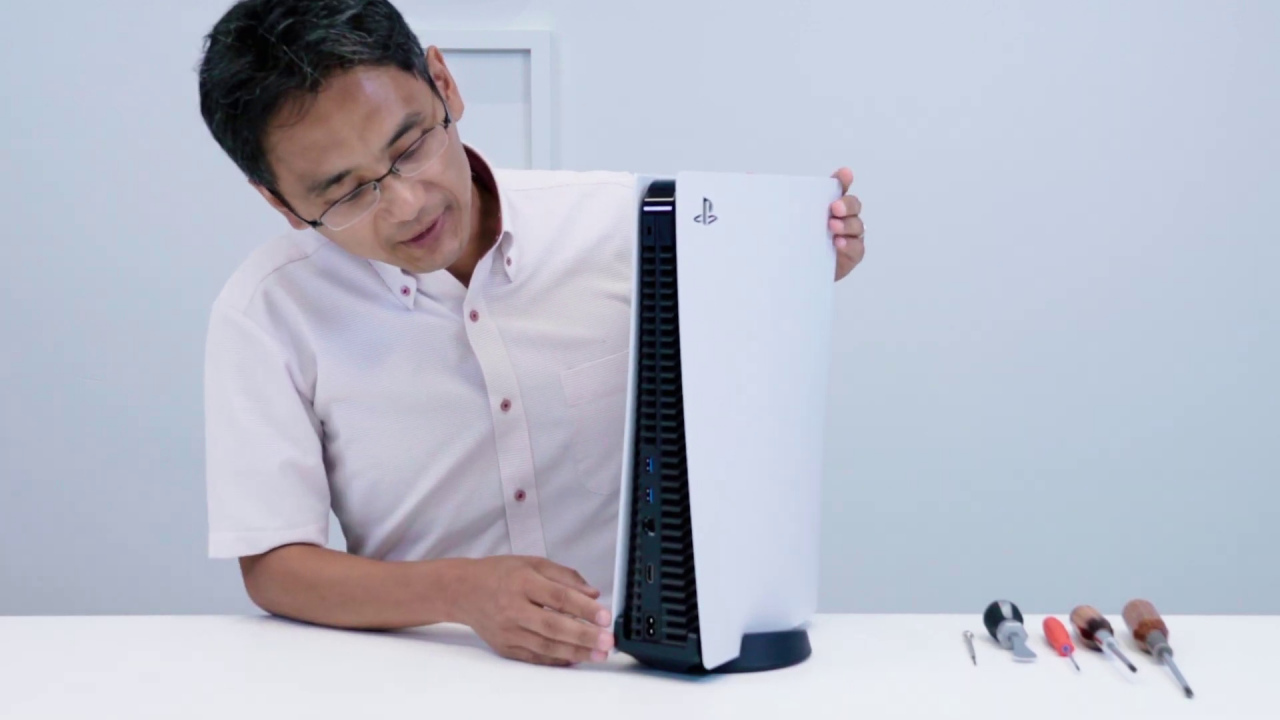
Expandable memory is one of the great assets of the console that were not available out of the box.
If you are part of the PlayStation 5 beta testing program, we have good news: you can already expand your console’s storage with disks M.2 SSD additional. And if you do not have access to the beta versions of the system, you will simply have to wait for the next console updates. The fact is that PlayStation has finally enabled the possibility of expand the internal space of PS5 with additional hard drives, one of the features the company advertised prior to the console’s launch, but that had not enabled until now.
Again, the function is currently only available in beta versions of the firmware, but PlayStation promises on its support page that it will be enabled for all other users “in a future software update”. If you are one of those who participate in the beta program, or if you just like to prepare things in advance, here is what to expect how to install an M.2 SSD in a PlayStation 5as explained by Sony itself on its website.
How to install an M.2 SSD in PS5
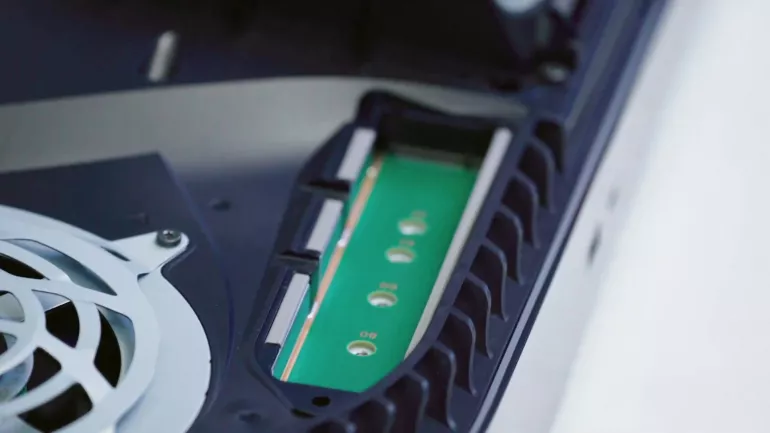
Required elements
Steps to follow
To transfer games to additional storage is as simple as clicking the ‘Options’ button on the games in the library that you want to move, and selecting the contextual option to do so. On the PlayStation support page you can check the M.2 SSD drives compatible with PS5 and their requirements. For now, the company does not advance when the feature will be available for the rest of the users, but it should not take long after these tests.
In fact, Bloomberg sources stated months ago that PlayStation was going to enable the feature this summer, something that seems to be fulfilled in view of this news. A feature highly demanded by users in the face of an internal storage that some consider scarce for PS5 games, although Sony states that they see no problems with the space of their console. A machine of which we knew just yesterday its latest sales milestone: more than 10 million PS5 sold in 8 months.


